
Introducing
NOISE
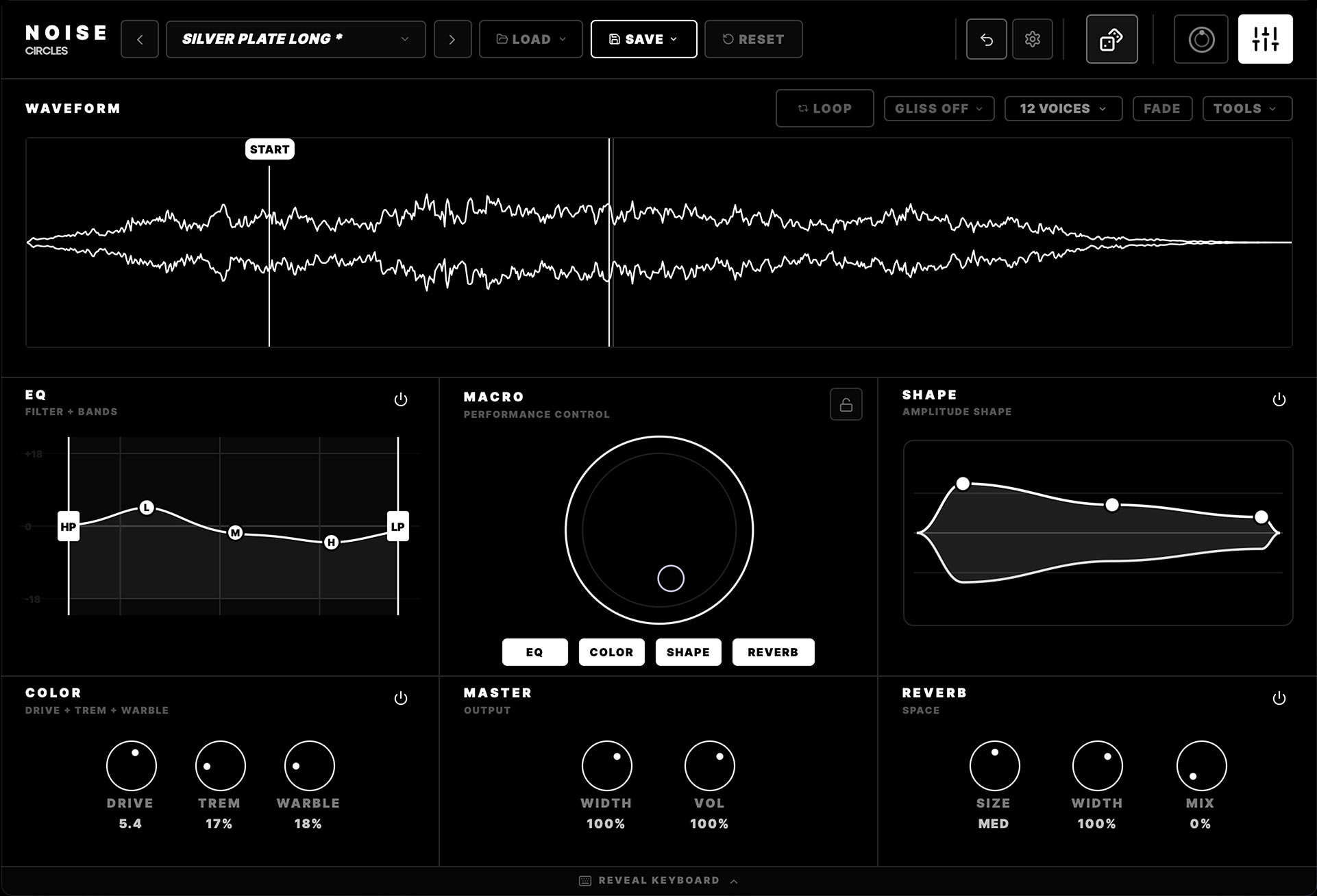
Make a universe
with one sound.
Play something unexpected with our new instrument.
macOS + Windows
VST3 / AU / AAX / Standalone
A LOT TO
PLAY WITH.
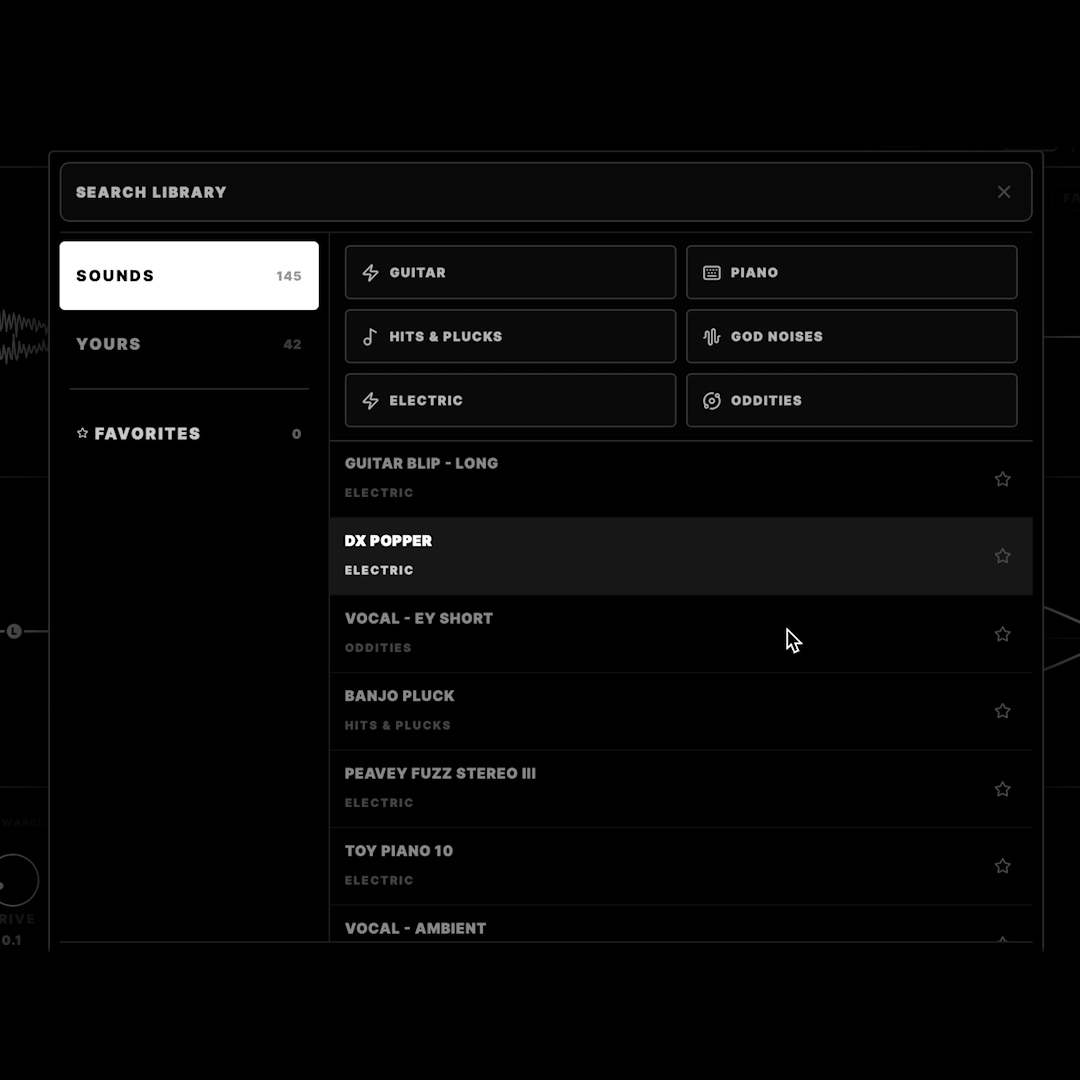
150 sampled instruments built from sounds we recorded and shaped ourselves.
Built From One Sample
One Sound =A Whole Song.
One source. Every instrument, part, and texture in the track.
Turned Into ↓
Then This ↓
One sample. Every sound above.
Shape
Sculpt the sound.
Soften the attack. Bring out the punch. Shape each note.

Macro
Turn one knob. Keep exploring.
Give any sound a new character with one knob.

EQ
Find its place.
Cut the lows. Add presence. Fit the sound to your track.

Import your own sounds
MAKE IT YOUR OWN.
Drop in any recording or sample. Turn it into a playable instrument.

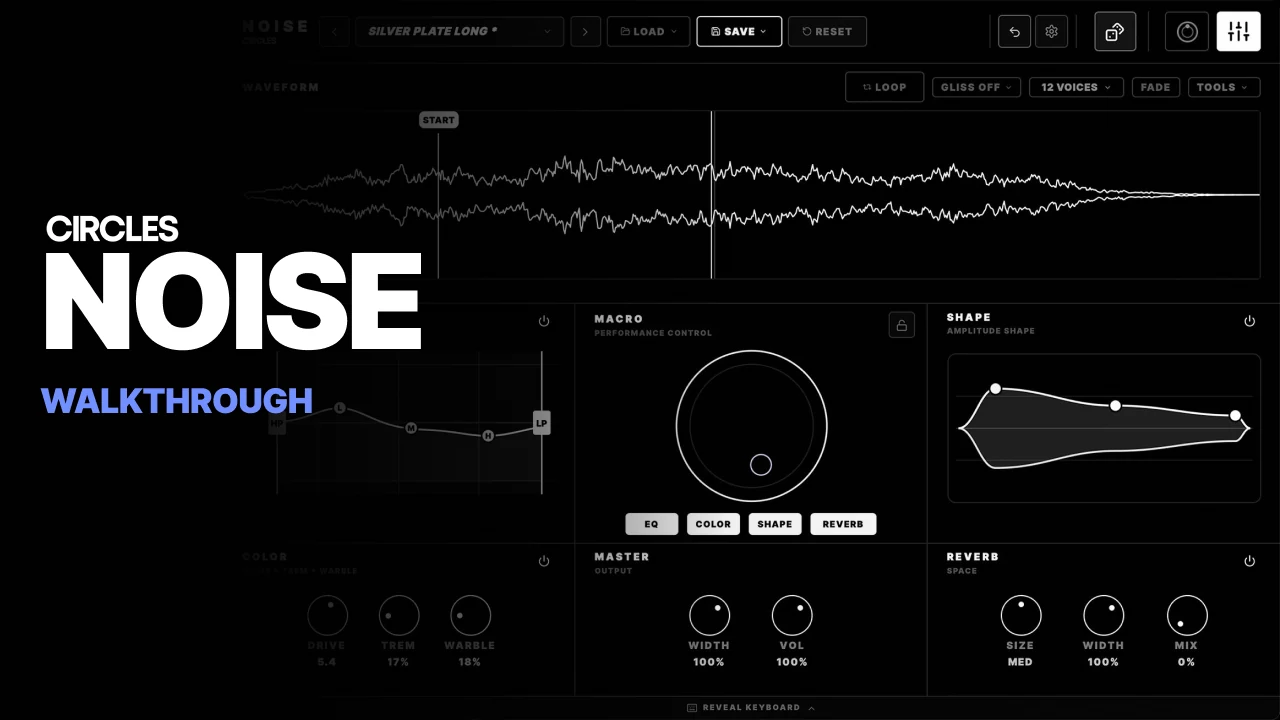
FEATURES
SAMPLE IMPORT
150 SAMPLED INSTRUMENTS
ONE-KNOB MACRO
SHAPE & EQ
DRIVE, TREMOLO & WARBLE
SAMPLE LOOPING
RANDOMIZE
SAVE PATCHES + SOUNDS
NOISE. EVERYWHERE.
Free iPhone app
Capture a sound. Slice a loop. Play it. Bring it into NOISE or any DAW.
Download app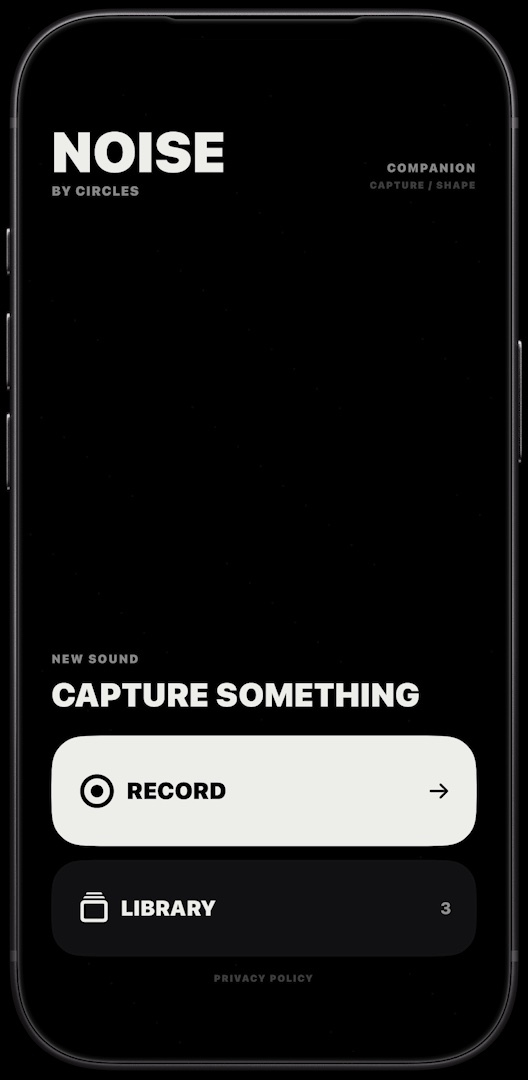
MAKE NOISE.
150 sampled instruments. Shape them or import your own.
macOS 11+ · Intel / Apple Silicon
Windows 64-bit
VST3 / AU (Mac) / AAX / Standalone
NOISE 1.7.0 · USER GUIDE
Read the NOISE Manual →